iOS vs Android

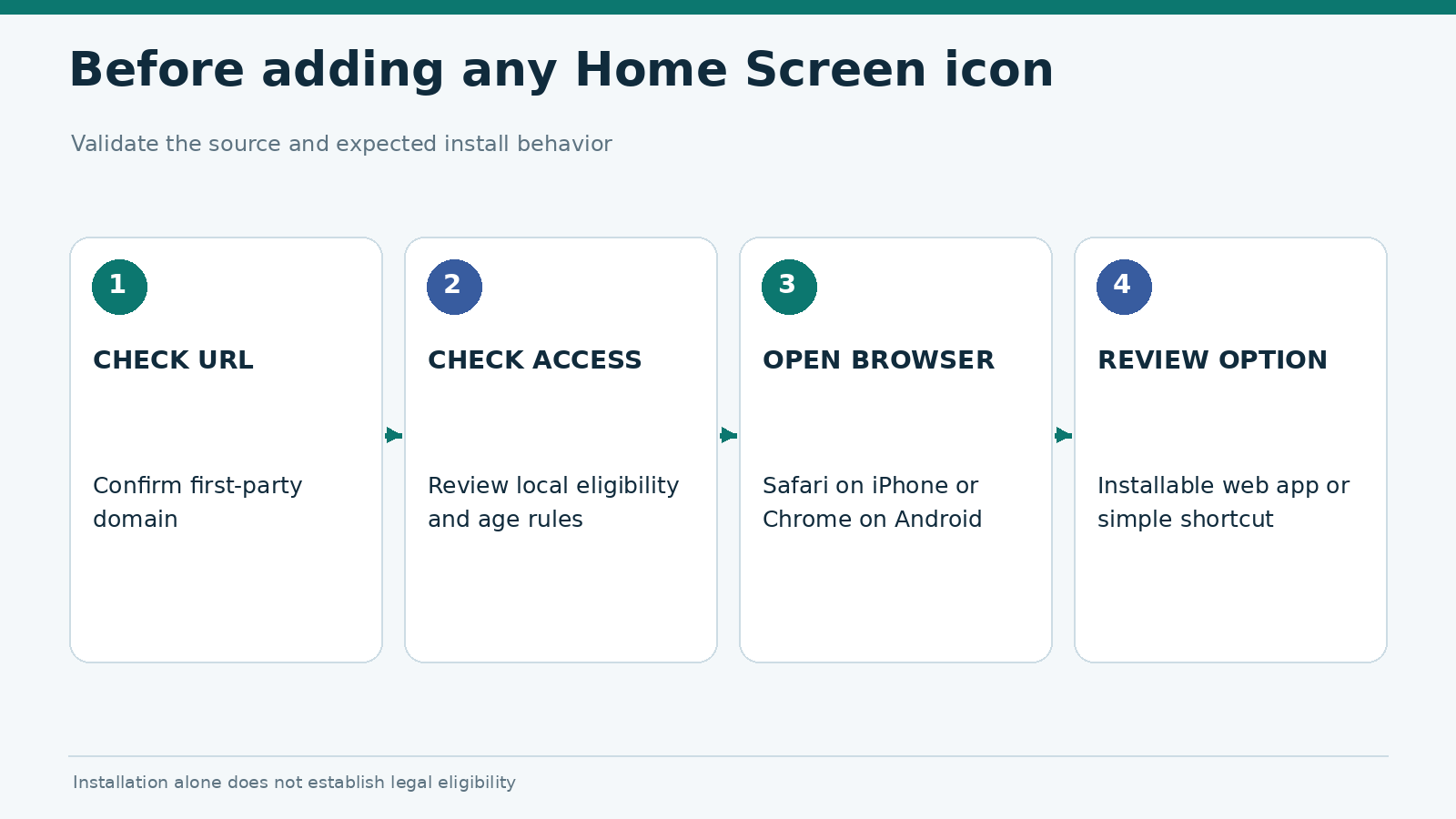
Decision diagram: verify the website, choose the supported browser, and identify install or shortcut options.

How to Install a Gambling PWA on iPhone and Android

To install a gambling PWA on iPhone, open the provider\’s verified site in Safari, choose Share → Add to Home Screen and enable “Open as Web App” where offered. On Android, open the site in Chrome and use the browser\’s “Install” option when it appears. The result is a Home Screen icon that opens the web experience. Exact menu wording depends on brow

How to Install a Gambling PWA on iPhone and Android Read Post »
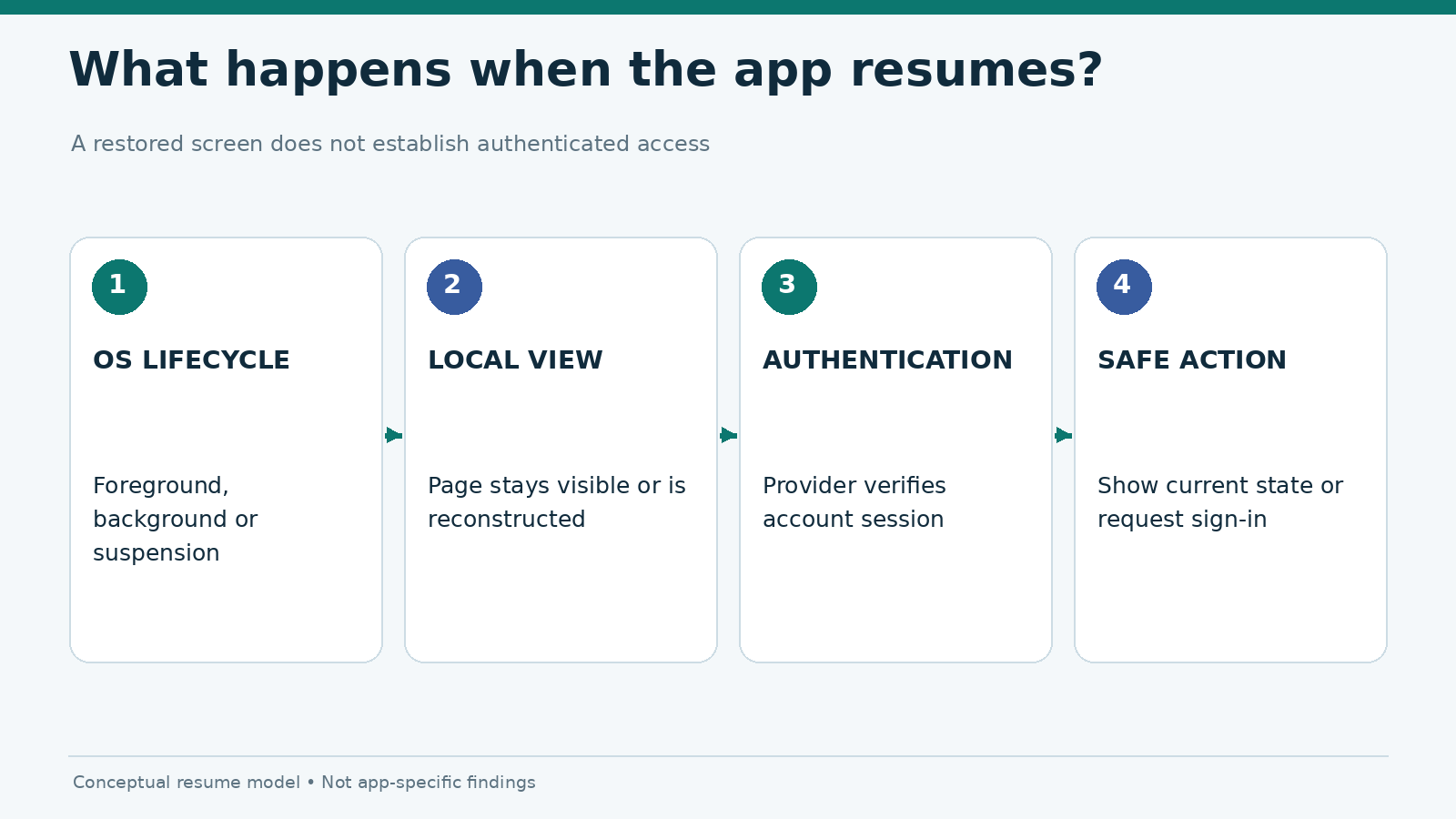
Three-layer resume model separating operating system lifecycle, visible app state and authenticated server session.

iOS vs Android Backgrounding: Session Timeout and Resume States

A gambling app returning to the foreground is not the same thing as an account session remaining valid. The screen may reopen exactly where a user left it while the server has already ended the authenticated session. It may show a sign-in prompt, restore an informational page, or display a stale account view until a fresh response arrives. These ou

iOS vs Android Backgrounding: Session Timeout and Resume States Read Post »

Scroll to Top