
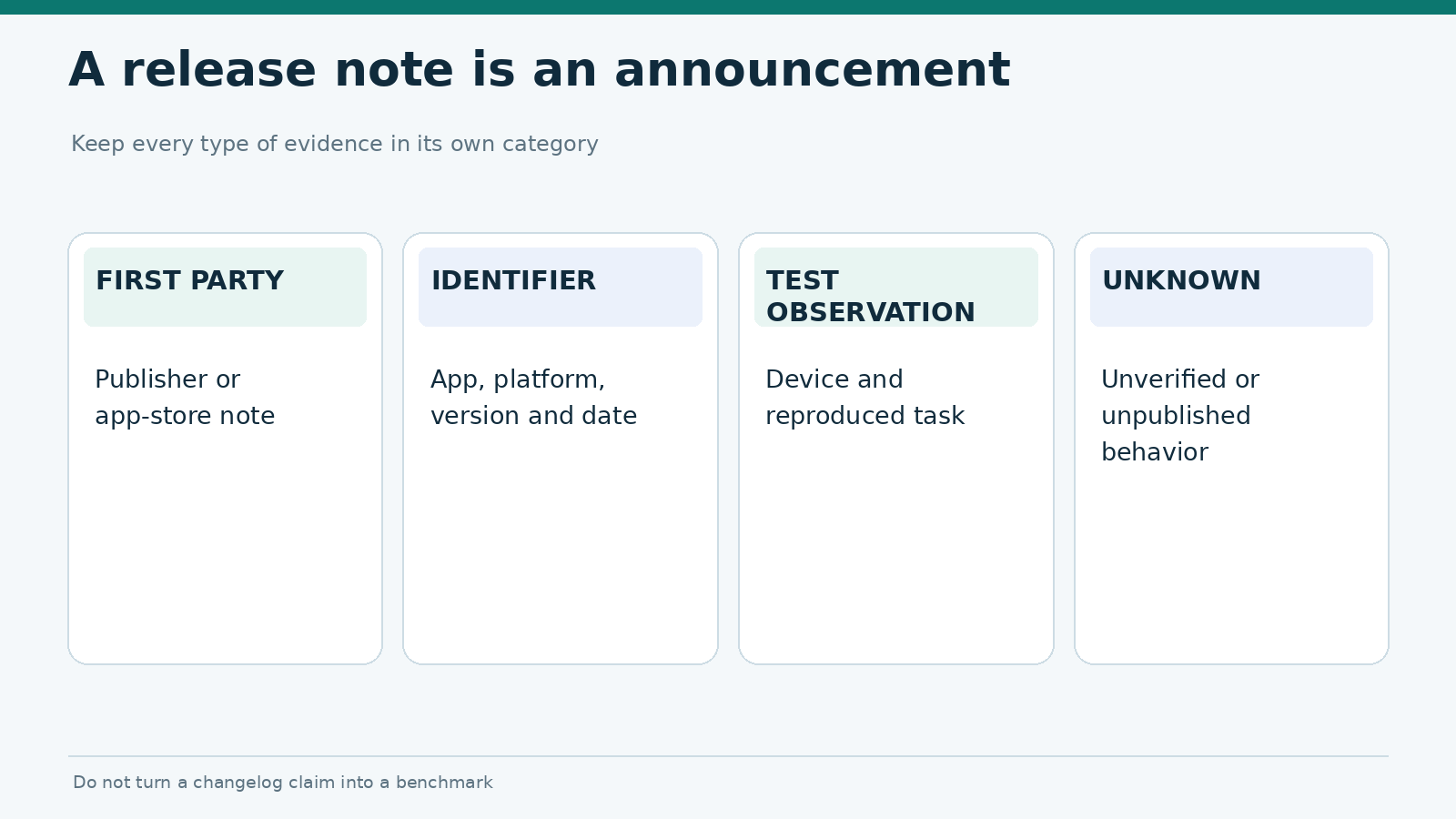
Gambling app release notes tell you what the publisher says changed in a specific release. They do not prove that the change works on every device. A note such as “improved stability” is an announcement, not a benchmark. A meaningful update report preserves the app version, platform, date, original wording and any independently verified behavior.
This guide explains how to read gambling app release notes on iPhone and Android, separate useful details from vague marketing, and decide which changes merit testing. It does not claim that any named gambling operator has released a new build. For dated changes, see our planned November 2026 update tracker; monthly trackers should only include releases backed by verifiable sources.
What a release note can actually establish
A release note may announce bug fixes, interface changes, supported devices, authentication changes or new requirements. Its evidentiary value depends on where it came from. An official product listing is stronger evidence of a publisher’s claim than an unattributed screenshot; neither establishes the effect of the software change without observation.
| Field | What to record | Why it matters |
|---|---|---|
| Publisher and app identifier | Official app title, bundle/package identifier | Distinguishes similarly named products |
| Platform | iOS, Android or web/PWA | Changes may not be released together |
| Version/build | Exact public version and build, if visible | Lets a tester reproduce the state |
| Update date | Store date or publisher timestamp with timezone | Avoids false month assignments |
| Changelog text | Verbatim short excerpt with link | Preserves the claim being evaluated |
| Verification status | Announced, observed, not tested | Prevents claims from becoming findings |
Apple’s App Store product-page guidance describes the “What’s New” field used to communicate changes. Google’s Play Console release documentation covers notes, release tracks and rollout information. What store users see can differ from the full internal history available to the developer.
Where to find the official version information
On iPhone and iPad
Open the app’s App Store listing and look for the “What’s New” section; available version-history details depend on the current store interface. Keep a capture of the text, version and date displayed at the time of review. Apple describes “What’s New in this Version” as developer-provided text explaining features, UI improvements or bug fixes in its App Store Connect reference.
Do not confuse the date you installed an update with its first publication date. A phased rollout, store propagation or local update setting can change when you see a release. Apple also documents how to manually update apps, which is useful when checking the installed version against a listing.
On Android
Open the verified Google Play listing and check “What’s new” and the available app-information fields. Google’s Play Console documentation shows that developers provide release notes and may use multiple release tracks and rollout stages. A user’s version may lag behind another user’s version while staged distribution is underway. Record the actual package version from the test device rather than assuming the store’s newest public note describes the installed build.
A website-based PWA is different. It may update code and content without a conventional app-store version-history page. For PWA change tracking, record the browser/OS context and any dated first-party release communication; do not invent an app version if the publisher exposes none.
Translate vague notes into testable questions
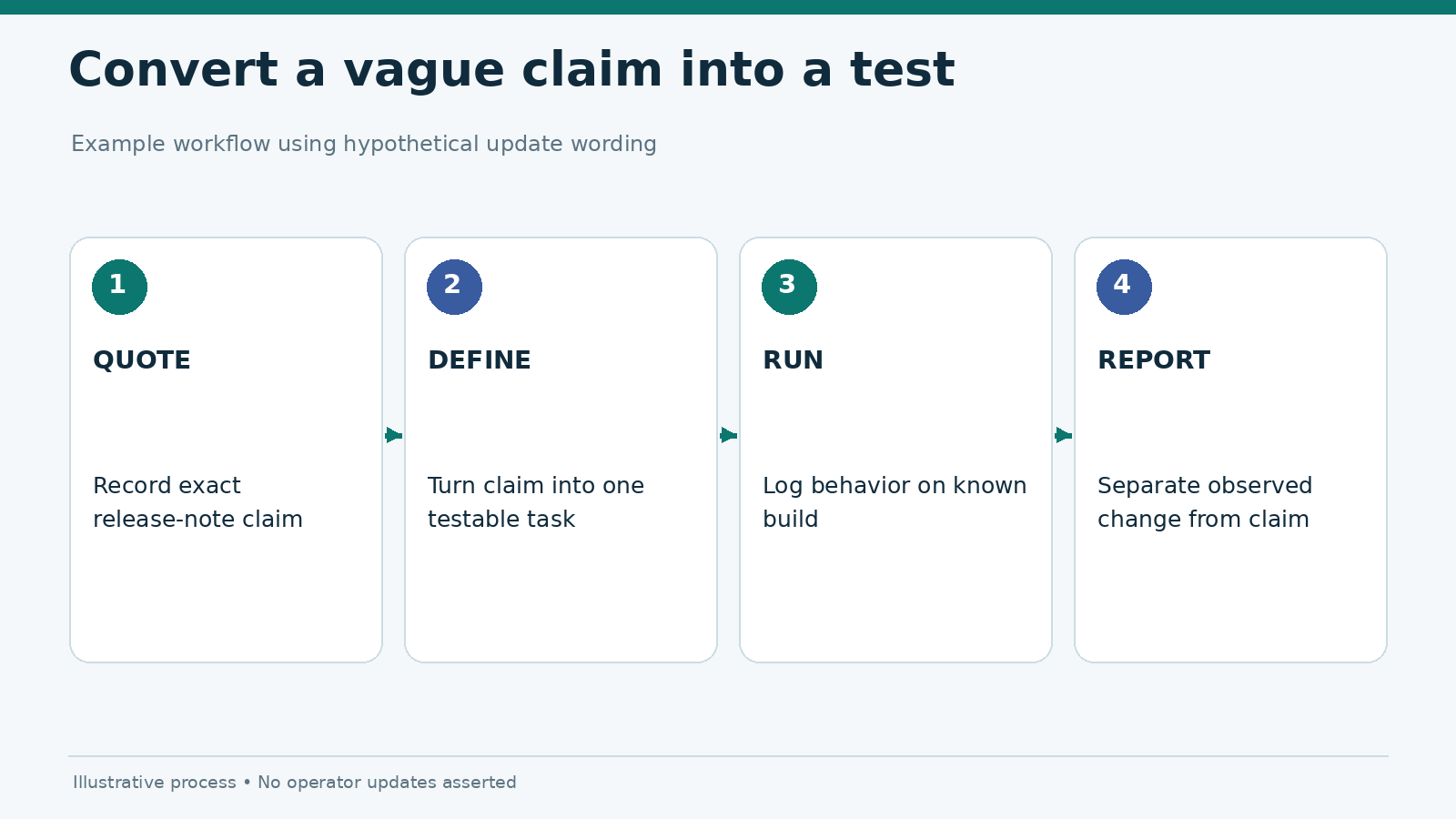
The phrase “bug fixes and performance improvements” is too broad to establish an outcome. Use the words as a prompt for a targeted regression check, not as proof that the app became faster.
| Publisher wording | Reasonable test question | Claim you cannot make without testing |
|---|---|---|
| “Faster startup” | Did time to a usable screen change on the same device? | “Startup improved by 30%” |
| “Login improvements” | Can users recover from a declined biometric attempt? | “All sign-in issues are fixed” |
| “Better accessibility” | Does the affected screen work with the stated assistive technology? | “The app meets WCAG everywhere” |
| “Security fixes” | Was the release described as addressing a specific issue? | “The app is secure” |
| “General bug fixes” | Can a documented previous defect still be reproduced? | “The app is now stable” |
These are illustrative phrases, not quotations from any gambling operator. For each review, keep the announcement and the observation in separate columns. If the publisher gives no detail, state “scope not specified.”
A release note may be accurate yet incomplete. A fix might address one device, language or operating-system version without resolving related symptoms elsewhere. Avoid over-interpreting a short description as a global change.
Version numbers are identifiers, not quality scores
Version labels such as 4.2.1 often look like major-minor-patch numbering, but publishers can choose their own schemes. Never assume that the last digit means a security fix or that the first digit means a major redesign. Android version names and internal version codes serve different purposes, and Apple apps can expose both a marketing version and a build number.
Record the version exactly as displayed. If the app identifier is unclear, verify it through an official store listing or publisher link. Do not merge a similarly named browser shortcut, native Android package and iOS listing into one timeline unless evidence confirms that they represent the same product family.
Why an update date may be misleading
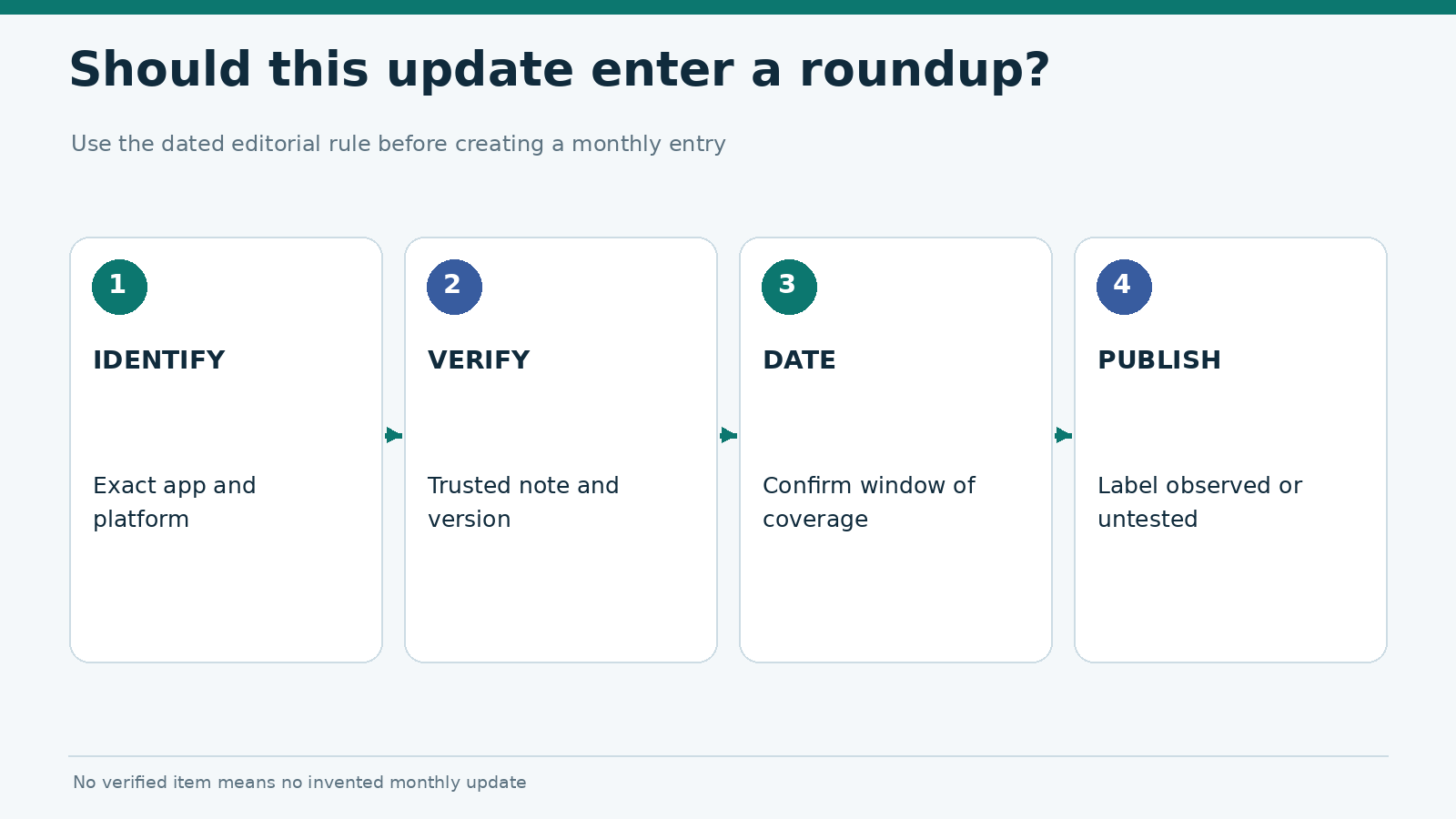
A note can be written ahead of the public rollout, translated later or shown in different regions at different times. A store page’s “updated” date may also differ from the time a specific handset received the build. For a monthly roundup, choose an explicit rule: for example, classify by the publicly documented store date, and list local availability dates separately where known.
The publisher’s internal release record may be more detailed than what users can see. Google lists rollout history, track and status fields in its release-management documentation. An independent publication should only claim what is publicly observable or directly supplied by a verifiable first-party source.
Which changes deserve regression testing?
Not every line in a changelog requires the same effort. Prioritize changes that affect essential tasks, accessibility, authentication and session recovery. Run the smallest test that can confirm the stated behavior, then expand if new faults appear.
- Authentication: sign-in, expected error messages, rejected biometric prompt, fallback routes.
- Account settings: menu paths, profile access and visibility of safer-gambling controls.
- Performance: same-device launch and screen-loading times, with network profile fixed.
- Accessibility: screen-reader labels, focus order, text resizing and contrast where relevant.
- Session lifecycle: background, return, timeouts and recovery after connectivity loss.
Before declaring a regression, confirm that the previous behavior was documented on a known older build. A comparison based only on memory is weak. Our update regression testing protocol covers the controlled method, while the app testing checklist defines broader scoring and evidence labels.
An example of a correctly qualified entry
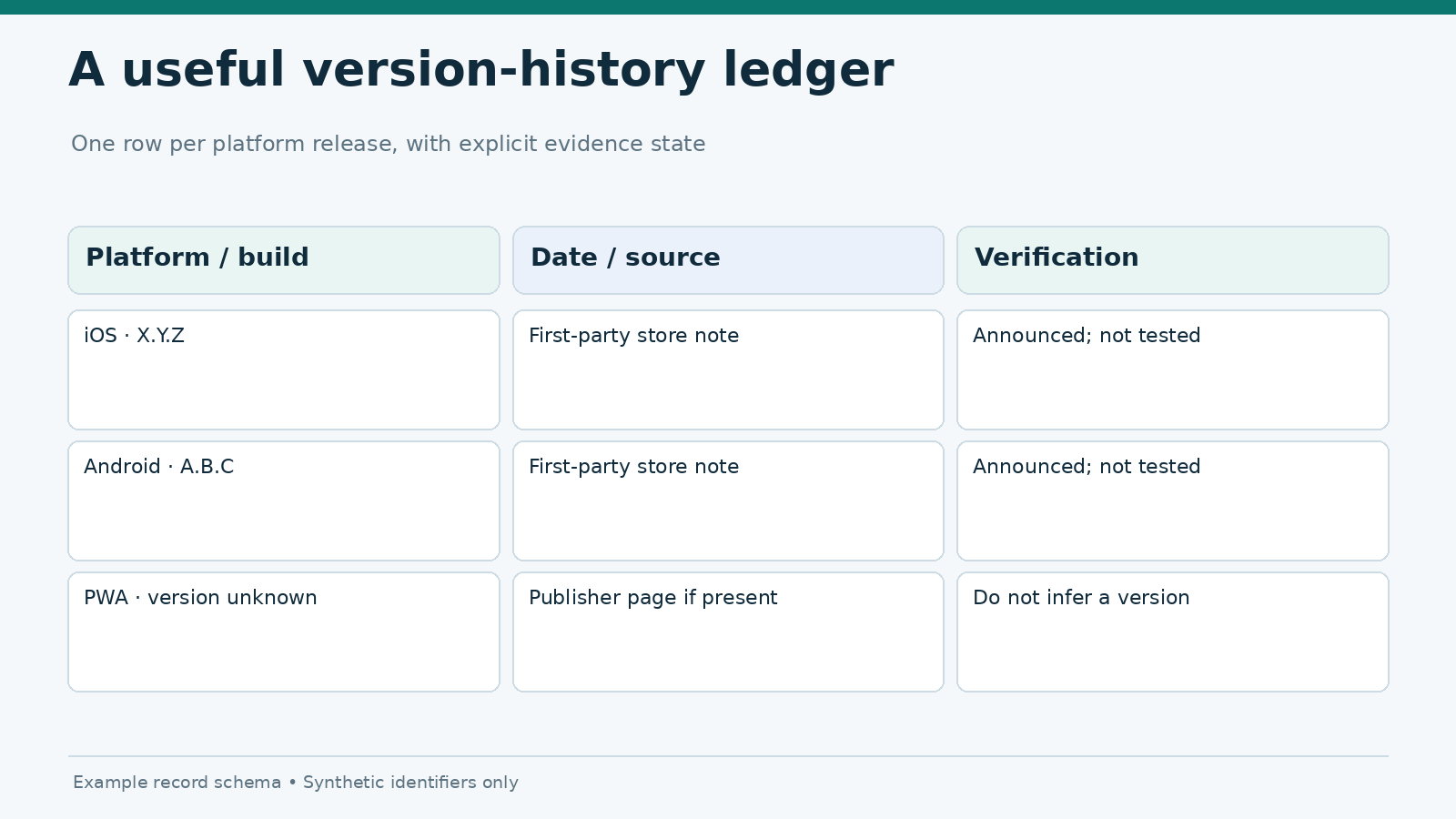
Illustrative entry — not an actual release: Android app version X.Y.Z; publisher note: “Login improvements”; test status: Not tested; verification: store listing captured; no conclusion about sign-in reliability.
After actual testing, the record can add the device, OS, test date, task script and observed outcome. If the login screen works on one device, write precisely that. Avoid translating one pass into an app-wide statement about security or reliability.
Build a monthly update tracker without duplicate pages
A monthly update article is not a second version of the release-notes explainer. It should name verified updates from that month, with operator identifiers, platforms, version numbers and source links. The explanatory material can remain here, where it needs only occasional maintenance.
Use one row per verified platform release rather than one row per vague announcement. If a publisher releases separate Android and iOS builds, list them separately. If no relevant updates can be confirmed, do not invent a roundup. Readers are better served by a transparent note than a page full of generic “performance improvements.”
The November, December and January trackers must have distinct date windows: November 2026, December 2026 and January 2027. Check the canonical month on each page before adding a new item.
Frequently asked questions
Does “bug fixes” mean an app is now stable?
No. It means the publisher reports changes intended to address defects. Stability must be assessed with documented observations and the specific environment noted.
Why does another phone show a newer app version?
Rollouts can be staged by platform, region, device compatibility or release track. Compare official listings and installed build identifiers before assuming a fault.
Can a PWA have release notes?
Yes, if the publisher maintains them. But PWAs do not necessarily expose app-store-style version histories, and web assets can change independently of a Home Screen icon.
Are release notes enough to recommend an app?
No. They are one evidence source. App reviews and rankings need independent testing, availability checks and clear criteria.
Evidence status: Documentation-based explainer, reviewed November 5, 2026. No gambling-operator updates or regression-test outcomes are asserted. Any example version or change description is illustrative.